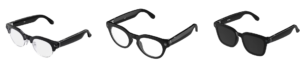
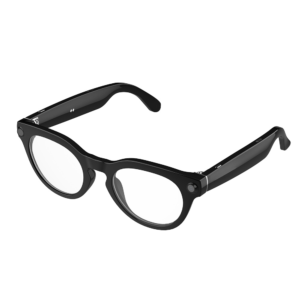
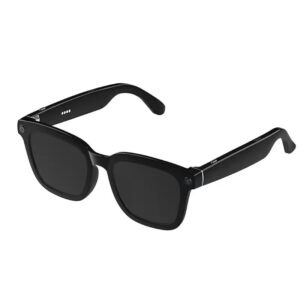
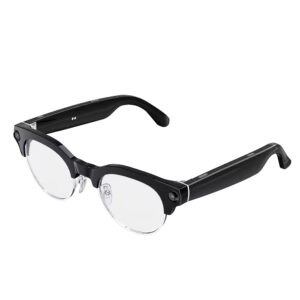
For more models,please feel free to contact us via Whatsapp or Email,thank you @lesincetech
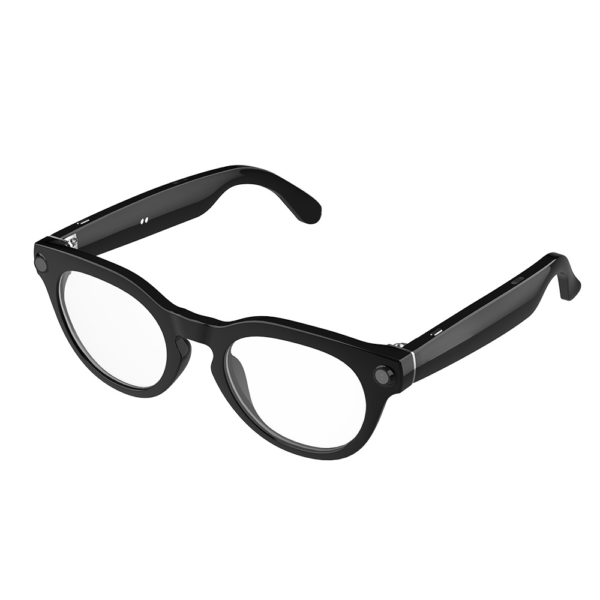
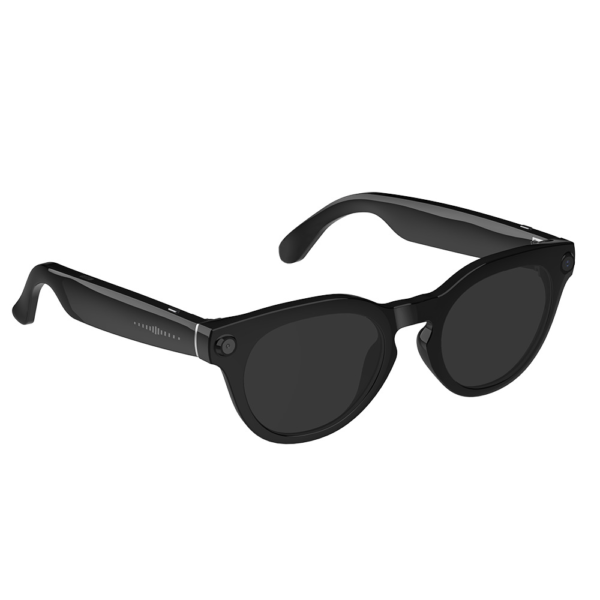
HD Ergonomic Smart Glasses AI Translator Wearable Headset with 1080P Video Hands-Free Calling Audio-Video Recording
Model:V03-T6
Temples: PC
Frame: TR
Lenses: PC
Specification:
Model:V03-T6
Chip: JL701 + V821
Photo Resolution: 8 million pixels
Receiving Distance: ≥12 meters (BT 5.4)
Operating Frequency: 2.402GHz ~ 2.480GHz
Transmission Power: CLASS2, MAX 4dBm
Signal-to-Noise Ratio: -85dBV
Distortion: <1%
Frequency Response: 20Hz – 20kHz
Speaker Specifications: AAC Dual Speaker 1609 / Independent Amplifier
Speaker Power: 0.8W (Short-term max power: 1W)
Charging Input Voltage: DC 5±0.25V
Battery Specifications: 3.8V / 220mAh
Operating Voltage: 3.7V (3.3-4.2V)
Charging Time: ≤2 hours
Static Current: ≤5uA
Sensor: 6-axis G-sensor supporting anti-shake algorithm
Continuous Music Playback Time: Approximately 10 hours (at 80% volume)
Operating Current: ≤30mA (current increases with volume)
Functions:
1. Power On/Off:
Power On: Long press the right physical button for 2 seconds.
Power Off: Long press the right physical button for 5 seconds.
(Note: Auto shuts off after 5 minutes if not connected. Restart if connection fails.)
2. Music:
Double-tap the touch control area to play/pause.
Long press the touch control area for 2 seconds to skip to the next track.
Triple-tap the touch control area to return to the previous track.
3. Phone Calls:
Short press the left/right physical button once to answer/end a call.
Long press the left/right physical button for 2 seconds to reject a call.
4. Camera/Recording:
Take Photo: Short press the right physical button once.
Start Video Recording: Short press the right physical button twice (when not in a call or playing music).
Stop Video Recording: Short press the right physical button once during recording.
Start Voice Recording: Short press the left physical button twice (when not in a call or playing music).
Stop Voice Recording: Short press the left physical button once.
5. Volume Adjustment:
Slide forward on the right-side slider to increase volume.
Slide backward on the right-side slider to decrease volume.
6. Voice Assistant:
Short press the left physical button once
Product Show